Browse large tables
Scroll smoothly through large tables, filter and sort on demand, preview text, JSON, and image cells, and follow foreign-key links to related records.
 Dotplane
A fast, modern workspace for databases, reusable SQL, and data analysis.
Get Dotplane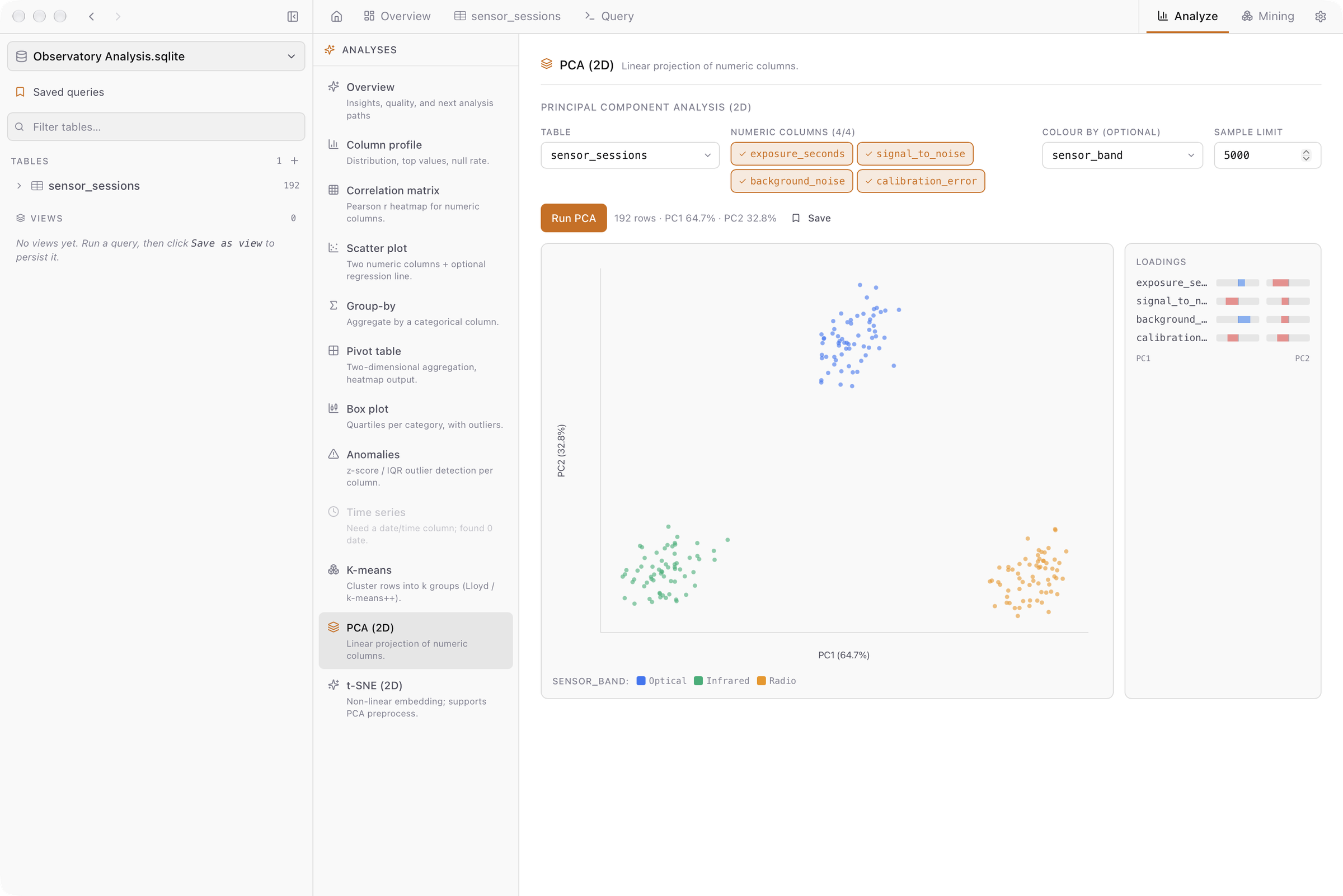
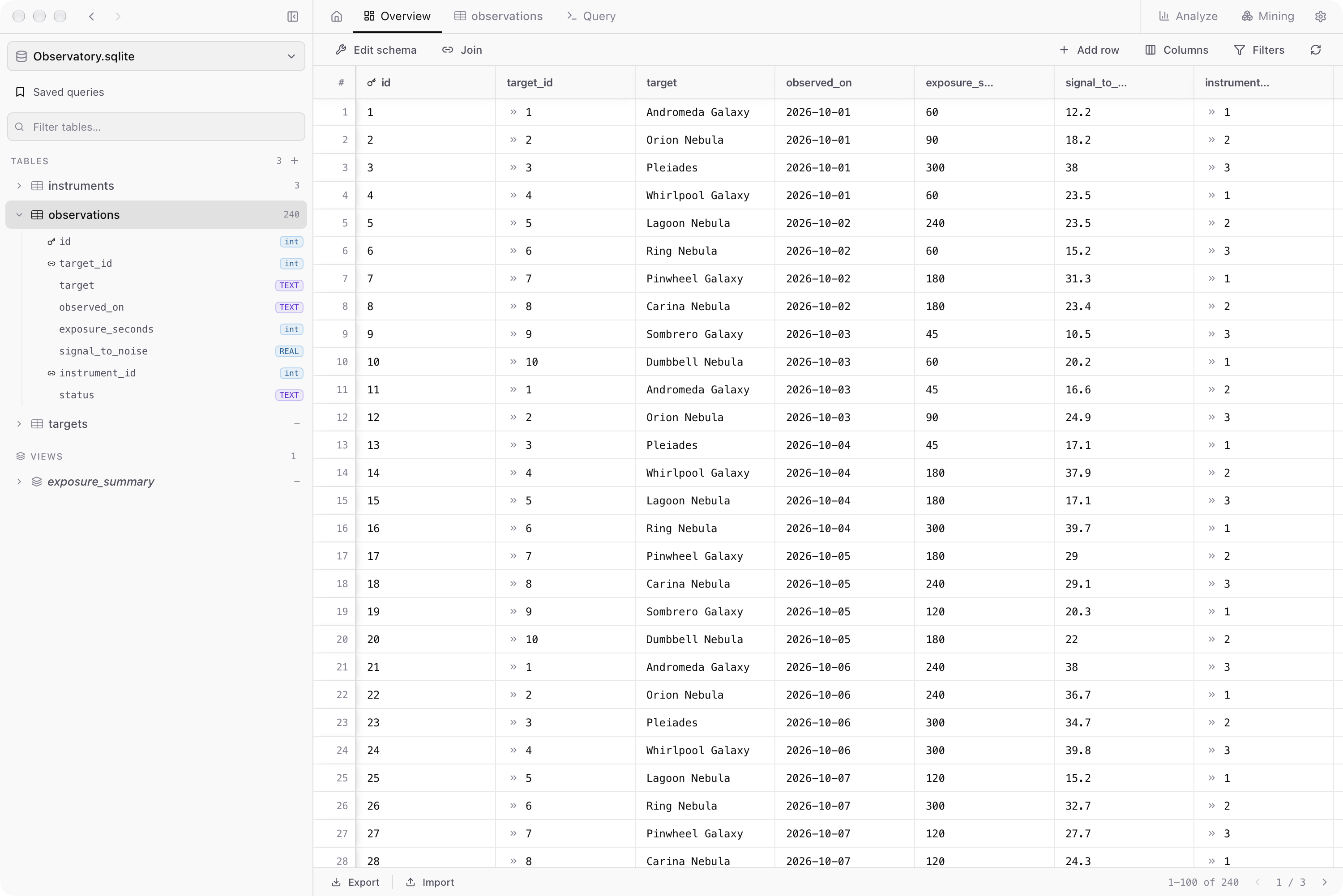
Scroll smoothly through large tables, filter and sort on demand, preview text, JSON, and image cells, and follow foreign-key links to related records.
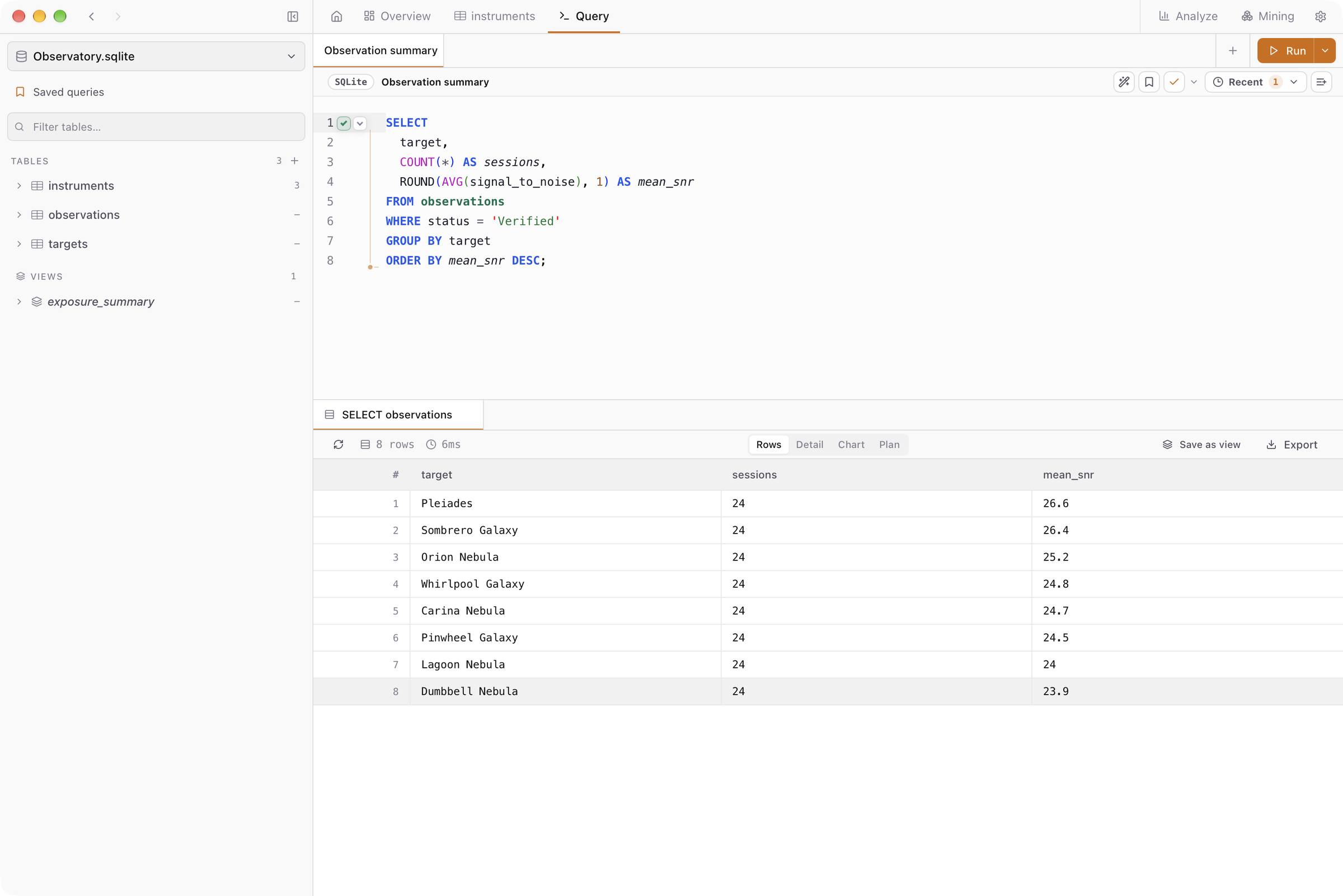
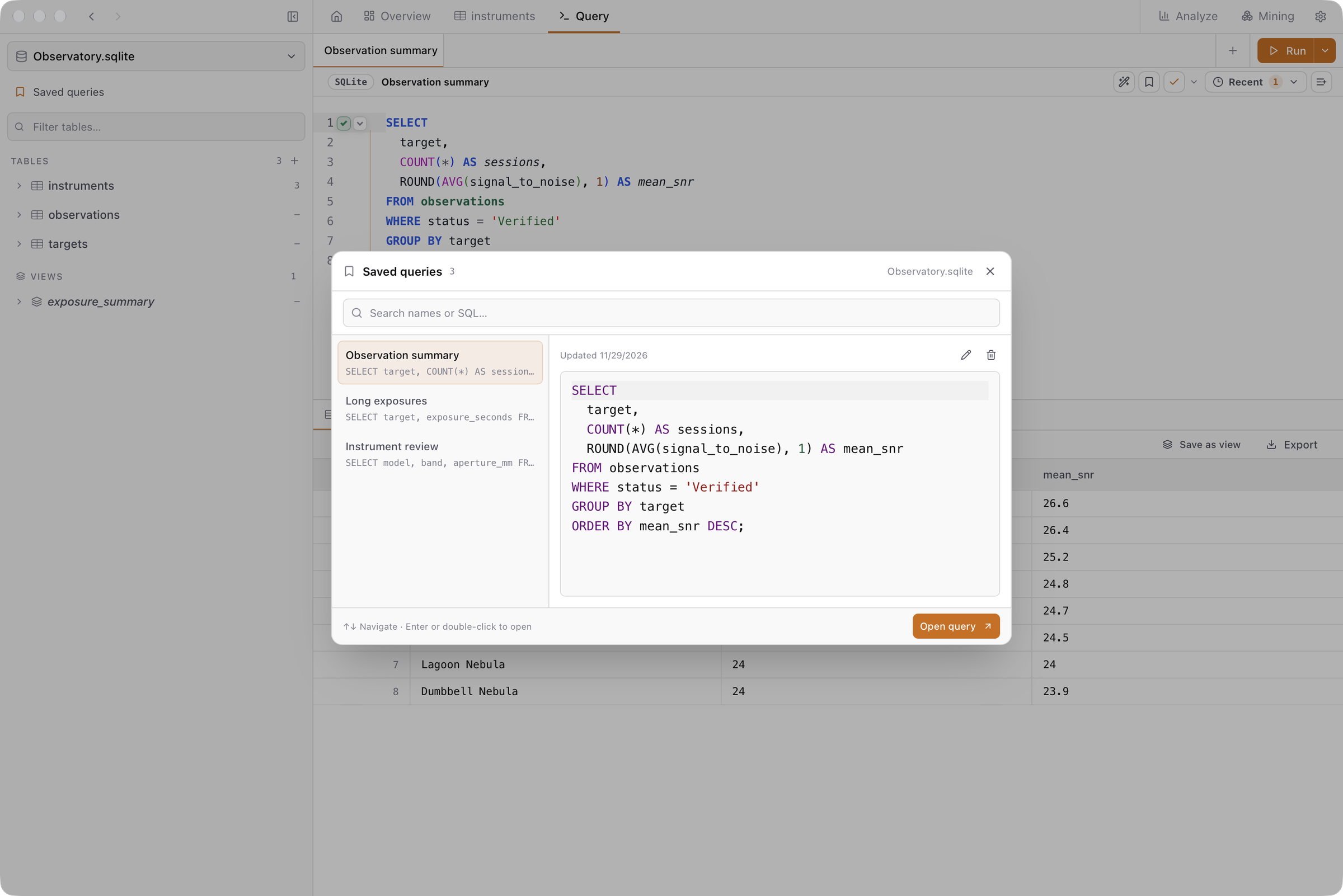
Autocomplete and format SQL. Name, collapse, and run statement blocks, then save queries by connection. A DELETE without WHERE prompts for confirmation.
Explore rows, charts, and execution plans. Pick two columns in one result row to see a highlighted text diff of their values.
Preview and map columns before importing CSV, TSV, Excel, JSON, JSONL, or SQL INSERT. Export tables or query results as CSV, TSV, JSON, or SQL.
Profile columns, plot correlations, group and pivot data, and find outliers. Explore k-means, PCA, and t-SNE, plus Qdrant payloads and vector neighborhoods.
With Xcode and file access, open a booted iOS Simulator’s SQLite file and refresh when Dotplane detects changes. Availability depends on your distribution.
Use unlimited local SQLite files and save one server connection for free. Pro is planned as a one-time purchase.